
Crop Scouting & Issue Detection
Field notes without the after hours
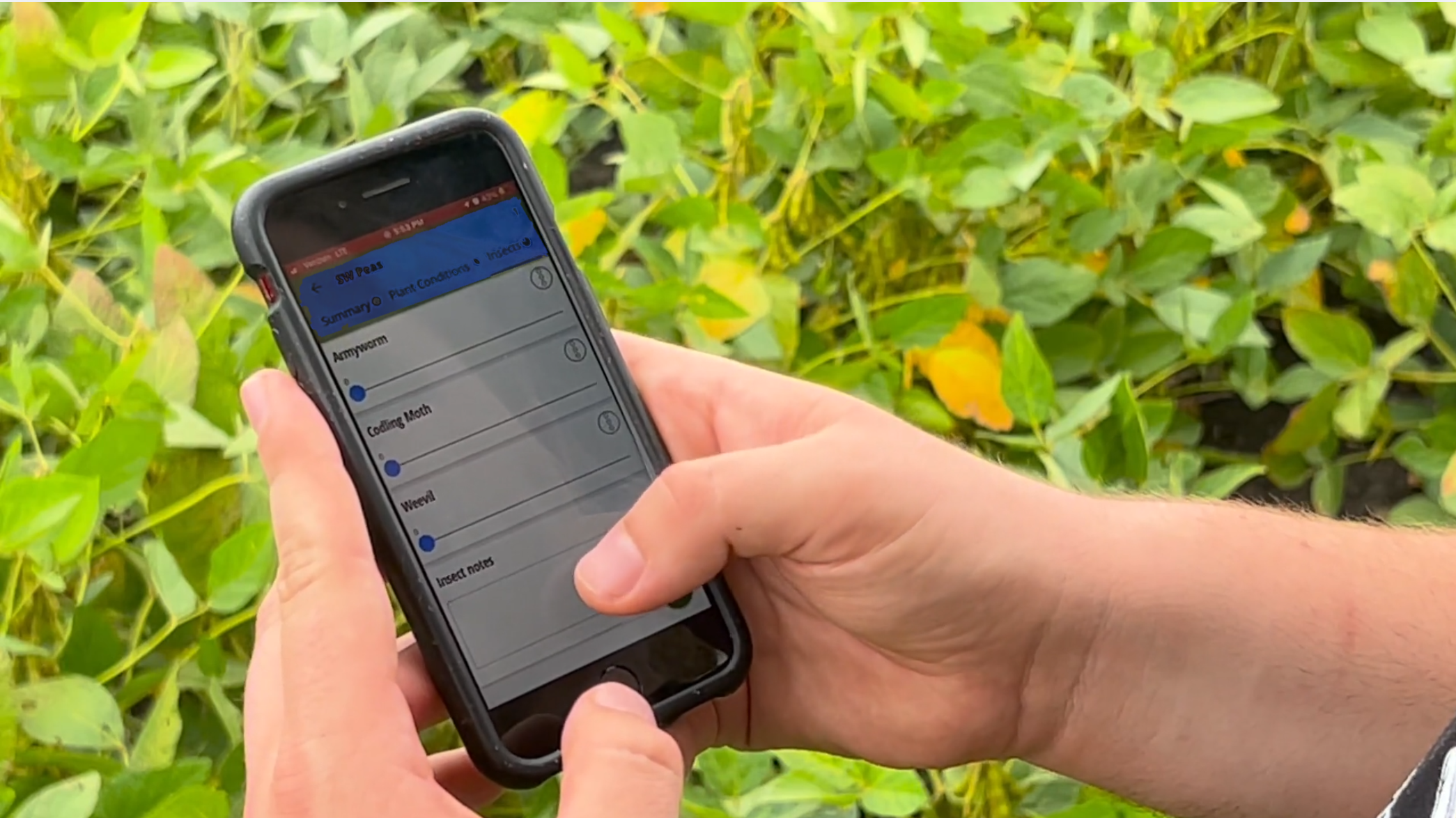
Better crop scouting goes beyond replacing pen and paper. Capture field observations, photos and notes as you scout, then compile everything into a professional report and send it to your grower before you leave the field.
Hazen, Agronomist · NW Biologic
Draw them, drive them, or import them. Your fields are ready.
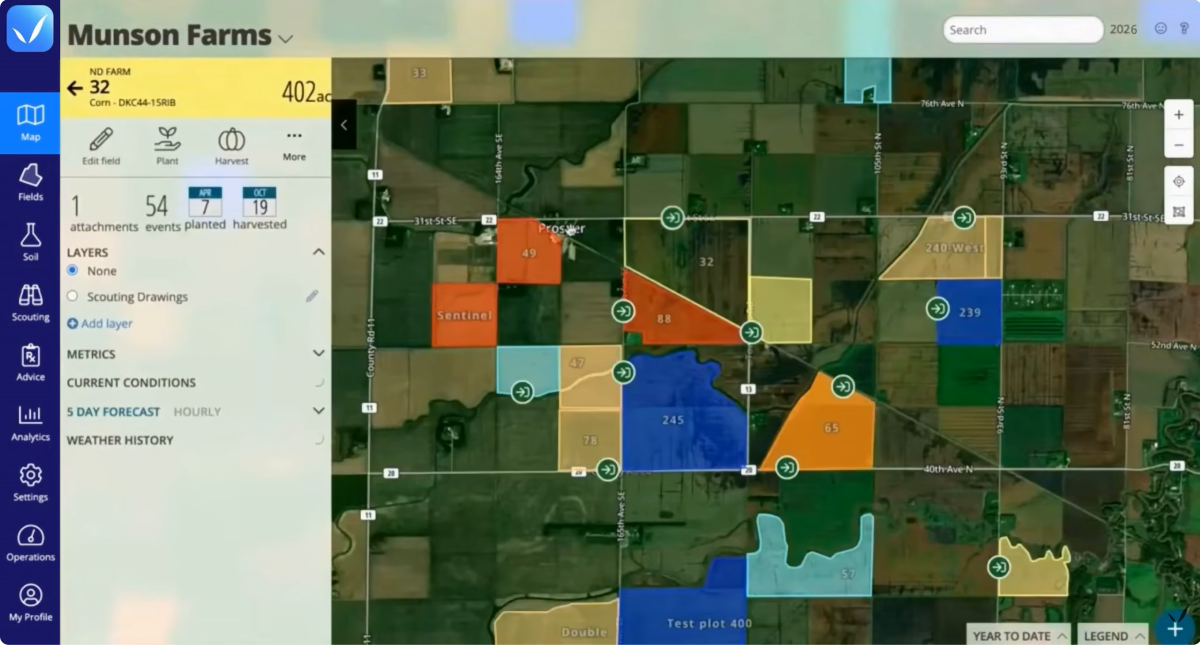
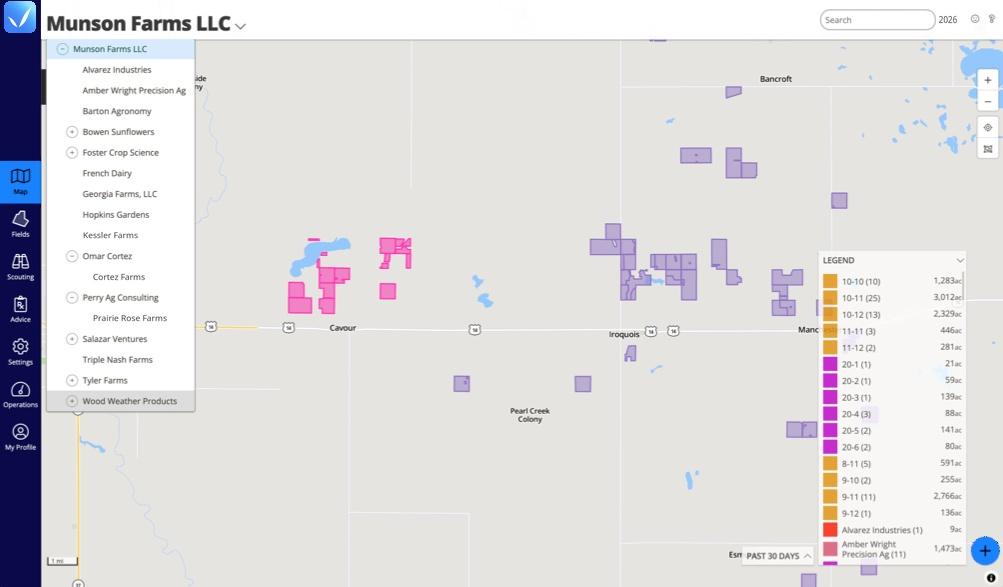
Field mapping starts before you ever walk a field. Create field boundaries directly in QA Advisor web or mobile app, assign crops and varieties, and color code fields so you can see what’s planted and where at a glance. Township and section overlays make it easy to locate fields and see how they fit into the surrounding area.
Already have field boundaries saved as shapefiles? You can use those, too.
Every field you map is immediately available for scouting and reporting. No limits on field count — whether you’re managing fifty accounts or five hundred fields, QA Advisor scales with your operation.
Field entrance finder
Find any field, any time
Mark field entrances, see distances at a glance, and get turn-by-turn routing to any field directly from the mobile app. Tap a field and your phone’s mapping tools take it from there.
Built for any crop
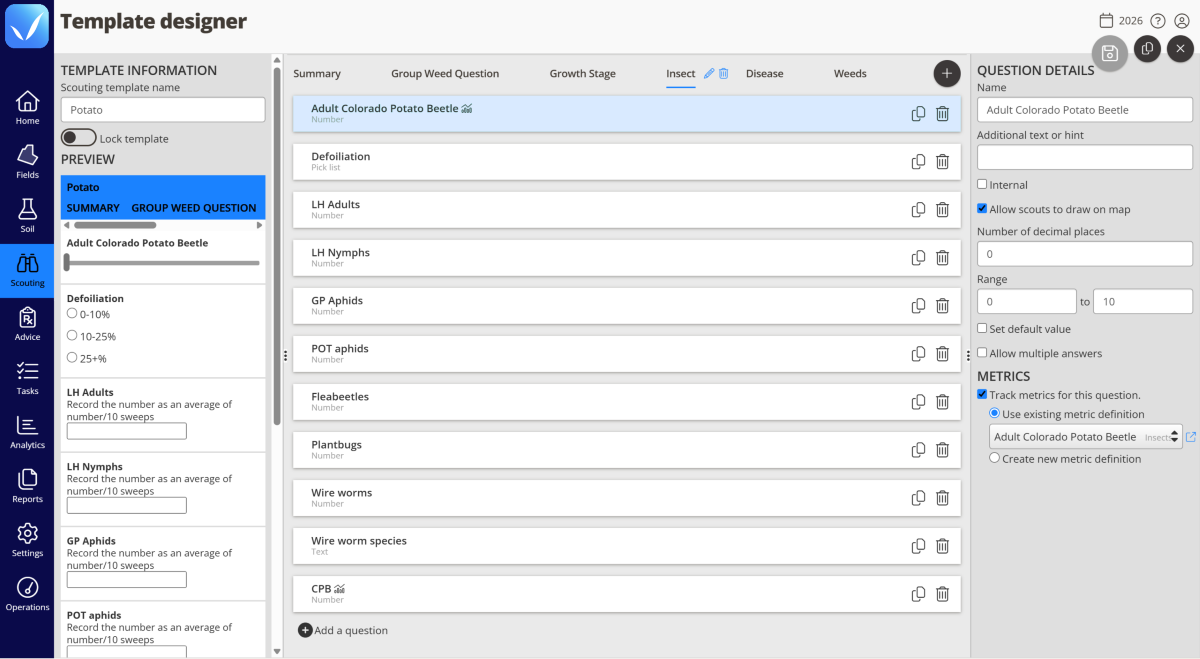
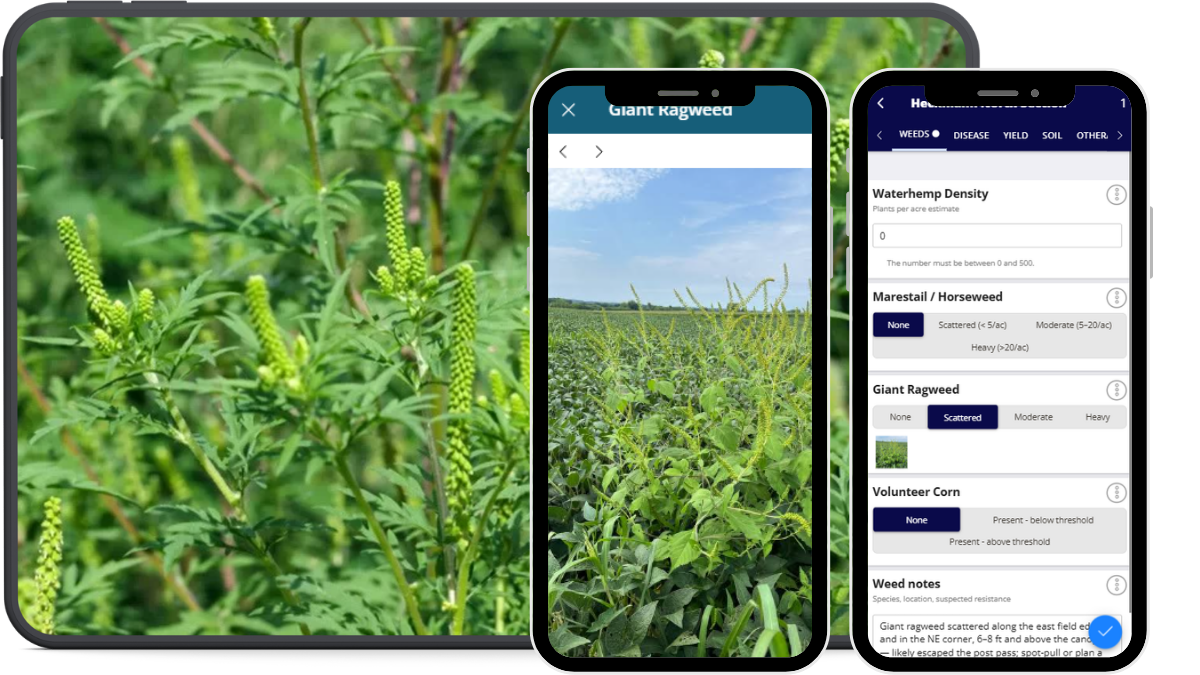
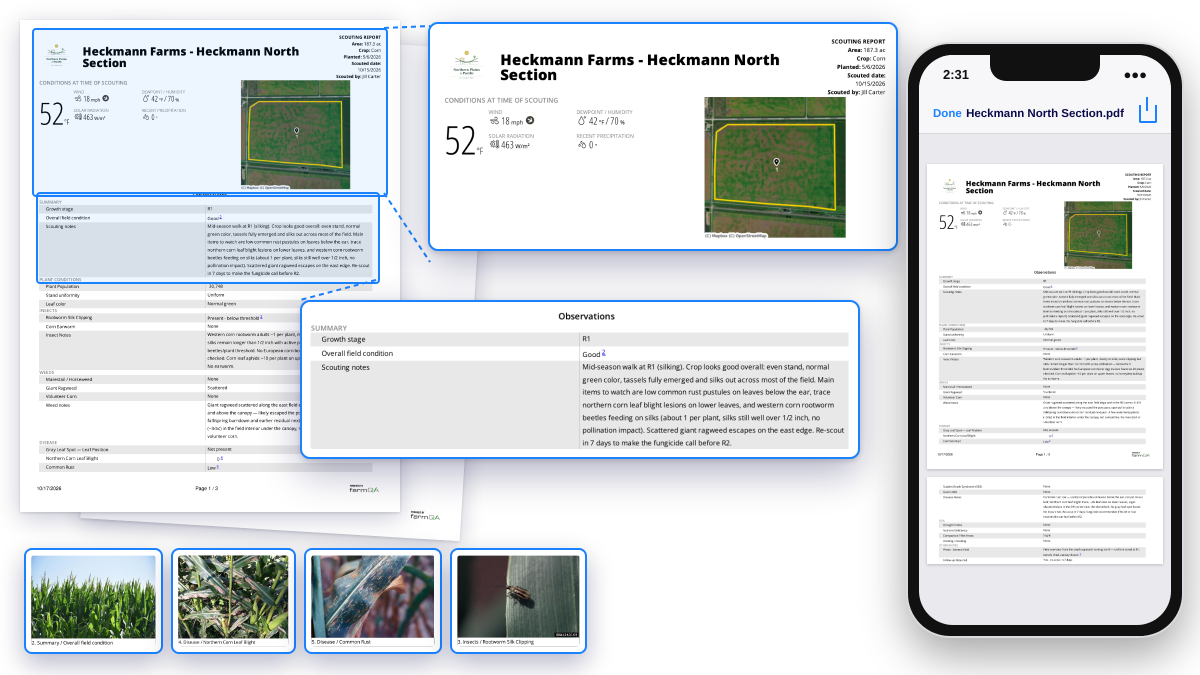
Capture what you see. Show where you saw it.
From field notes to finished reports
Multiple scouts. One report.
Know your grower got the message
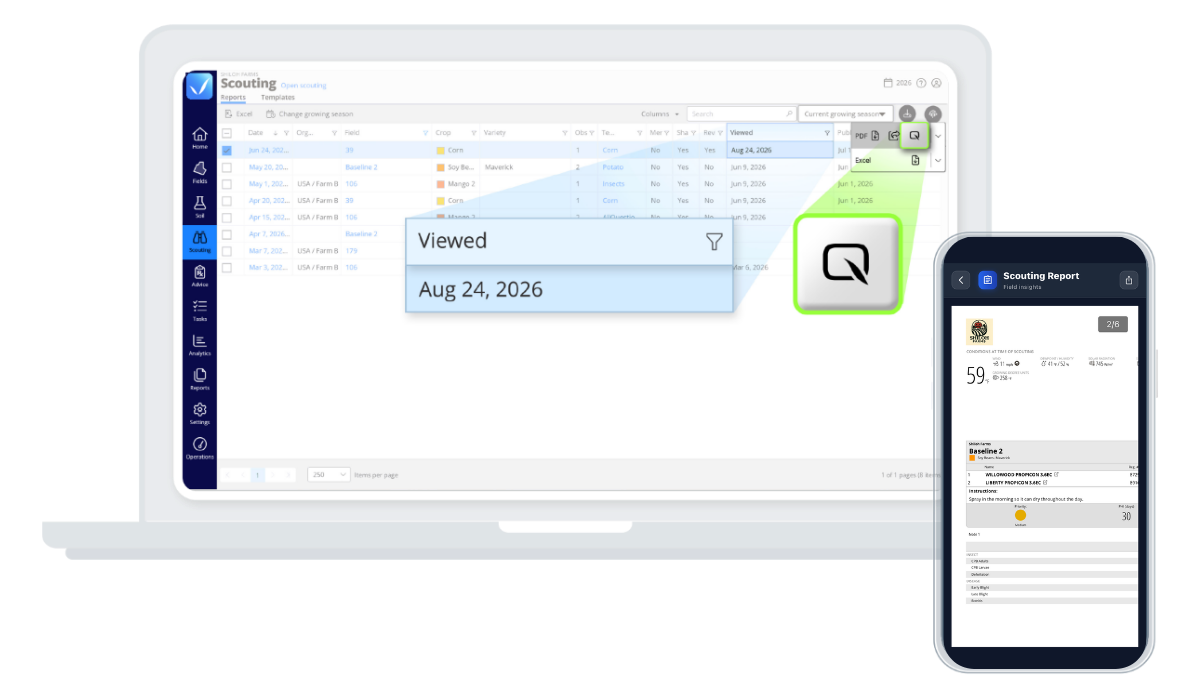
Scout the acres that need attention

Efficient, offline-ready data collection
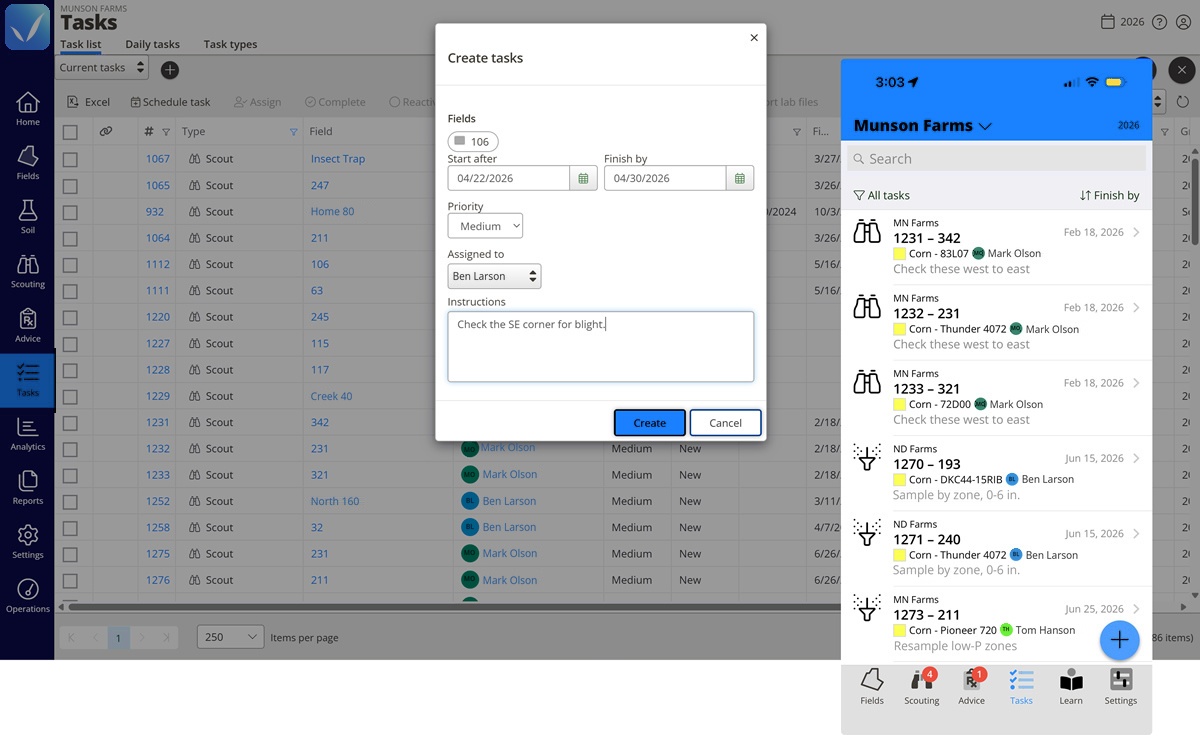
Keep the next step moving
Integrated pest management start to finish
Identify the pest
Monitor pest activity
Determine action thresholds
Explore & apply treatment options
In QA Advisor
Evaluate results
In QA Advisor
Follow-up Scouting
Reporting on what worked
Field & organization management
Priced for real operations
Whether you’re an independent agronomist or managing a large team, we offer flexible pricing based on your users and the capabilities you need. Add more as your operation grows.
SUPPORT
Real people. Practical support.
Have a question? Our team is here to help you get the most out of your FarmQA products. Whether you’re getting started, learning a new feature, or working through an issue, you can reach us by phone or email, or find answers in our online Support Center.